How utility screening works
AquaIntel watches public utility records and shows your team when a utility has a buying signal. Four stages take a public record to a signal your team can act on, and each one below carries the screen that does the work.
Collect
We collect public records, such as permits, board minutes, funding lists and bid notices.
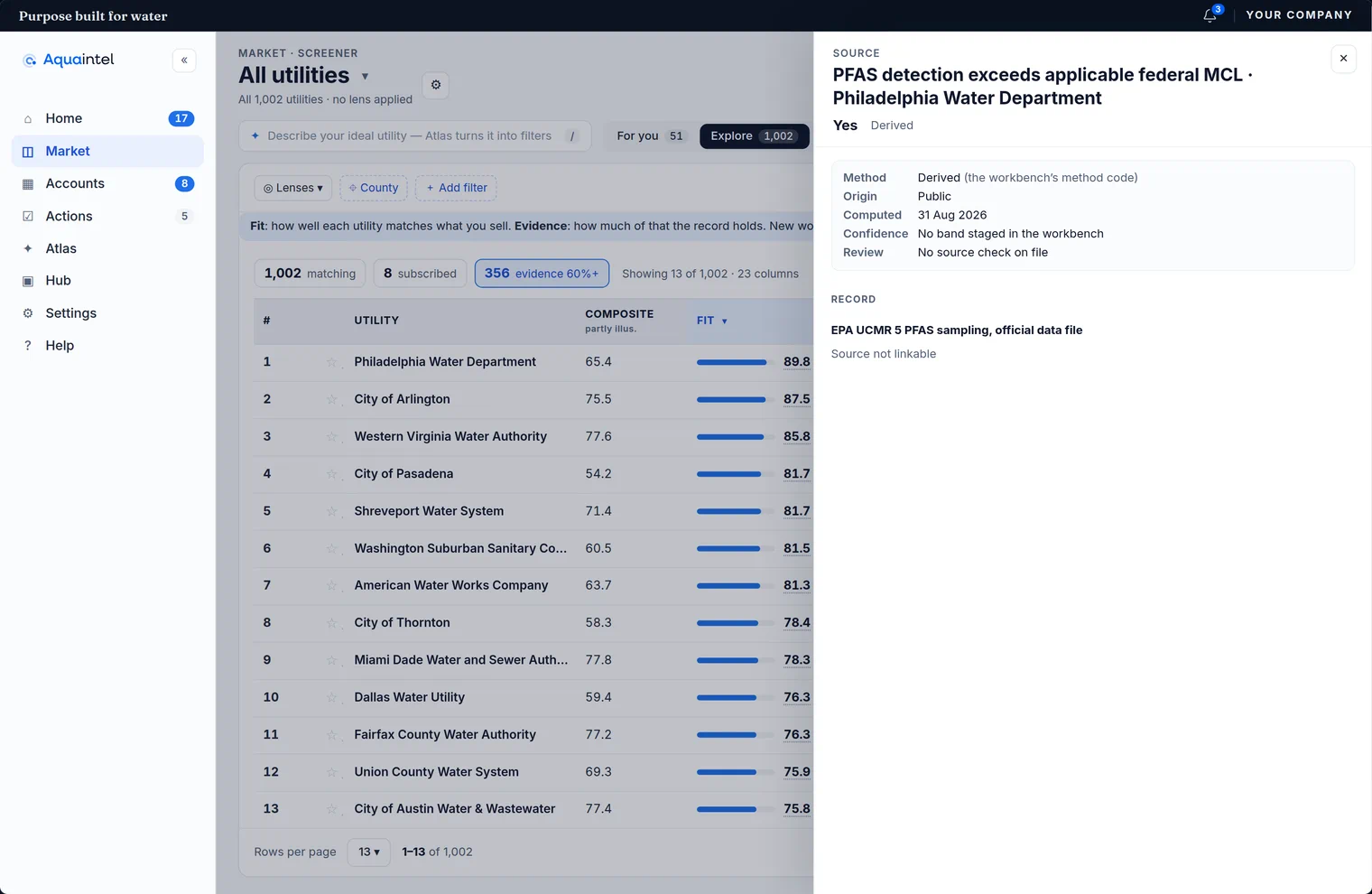
Match to the utility
We match records to utilities with official IDs, such as PWSID and NPDES permit numbers, and with name rules. Unclear matches go to a person for review.
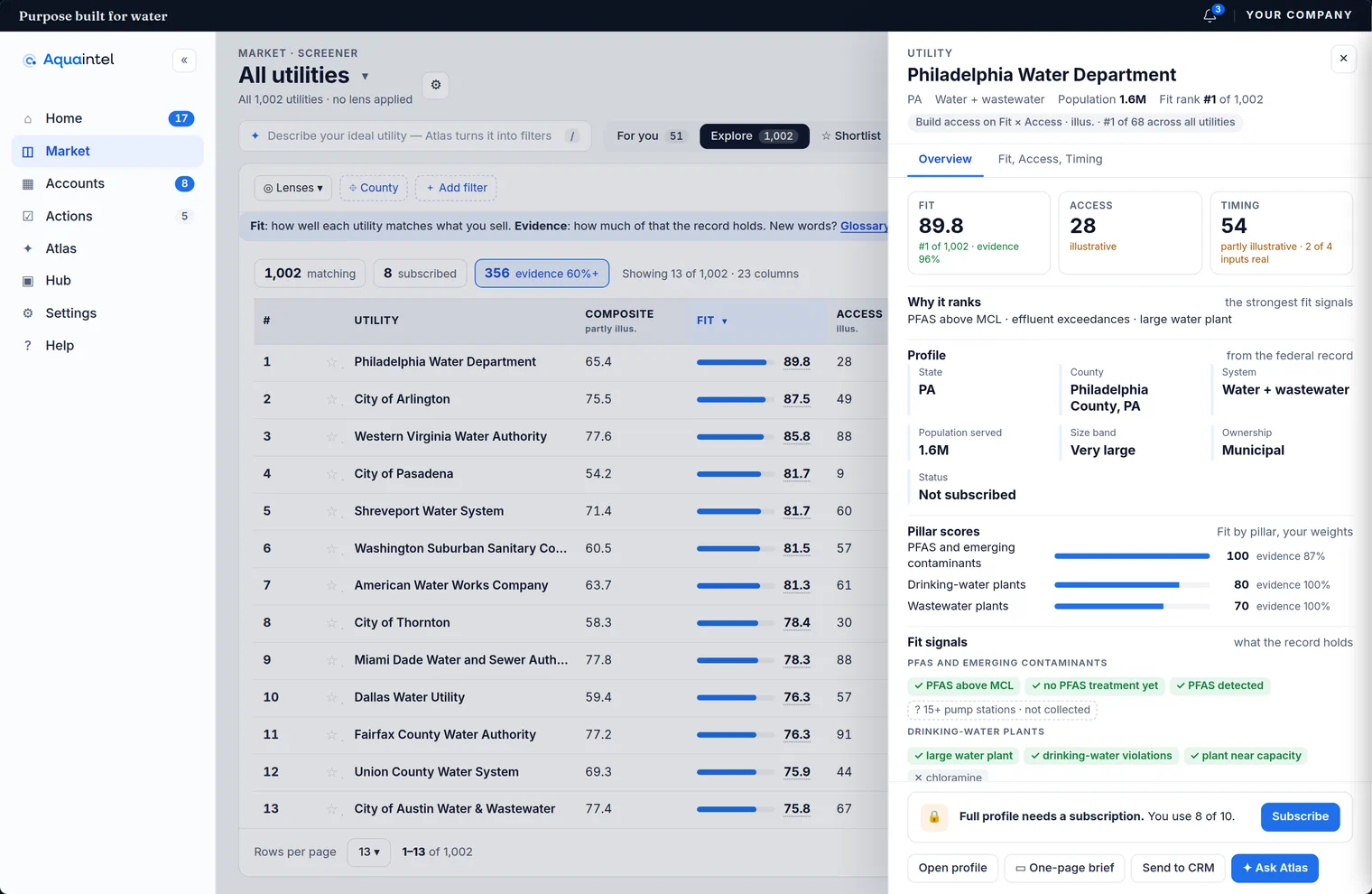
Score
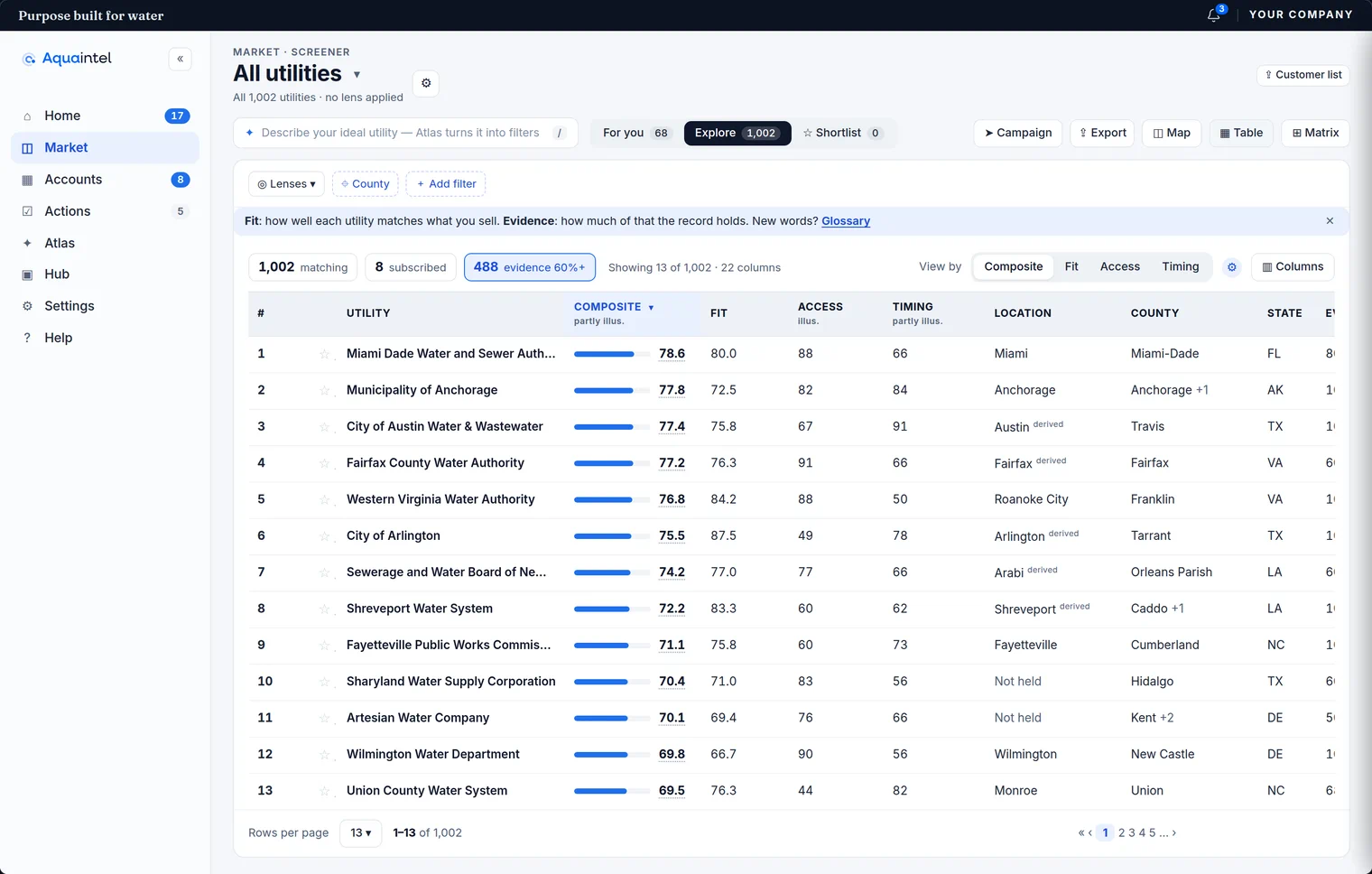
Screeners filter utilities by project type, asset or compliance signal. You get a ranked target list.
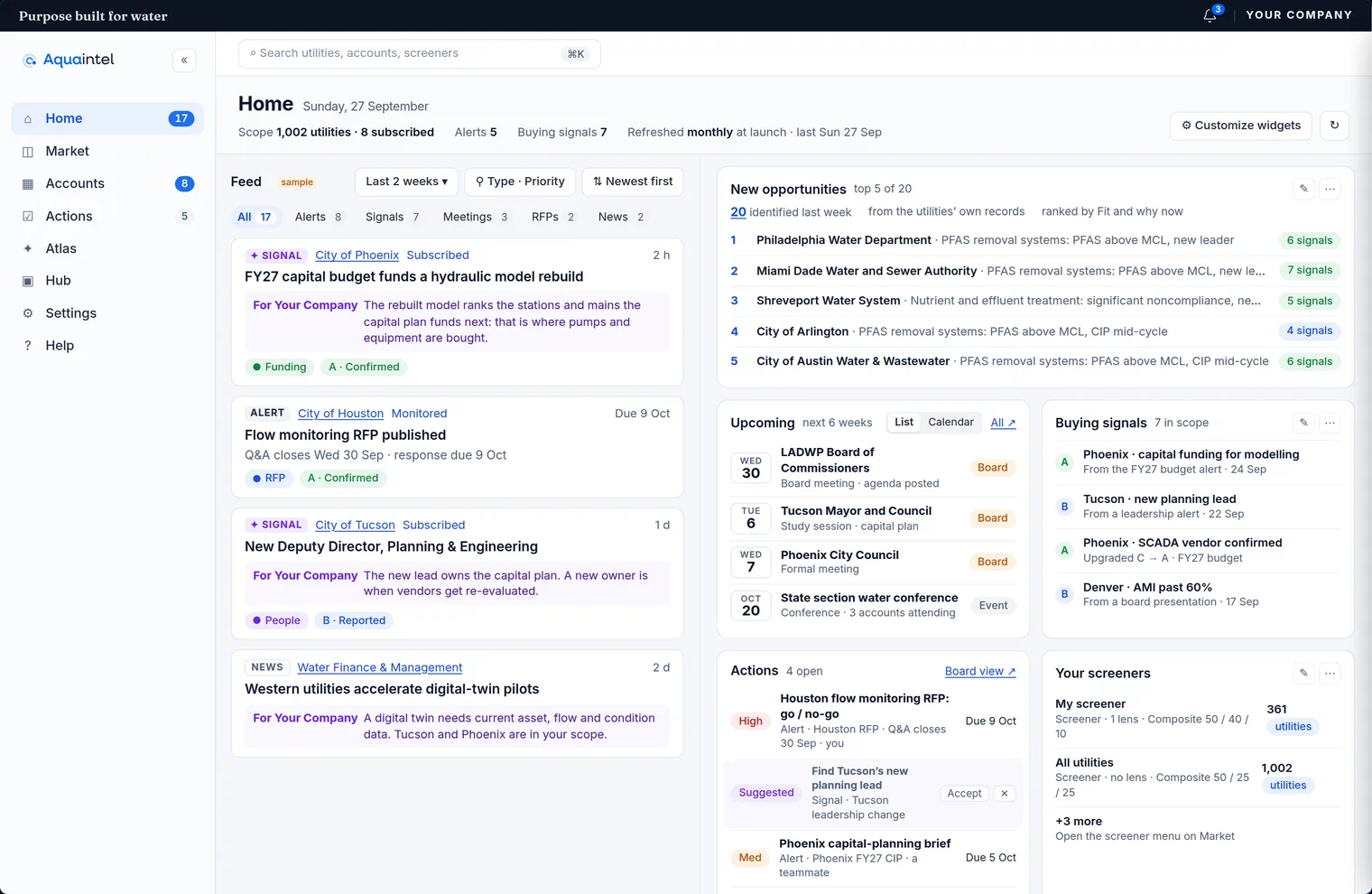
Show signals
Signals include design authorizations, consultant awards, funding movement and new bids. Alerts show in the app, and in-app alerts are live. Feed items show their source and date.
Agent interface and API access
The agent interface is live. API access on request.
Data quality
Public sources can have gaps. The coverage page says what we read and where.